
May 28, 2026

Why all the apps?! 🤔📱 But wait… It’s actually just ONE app!
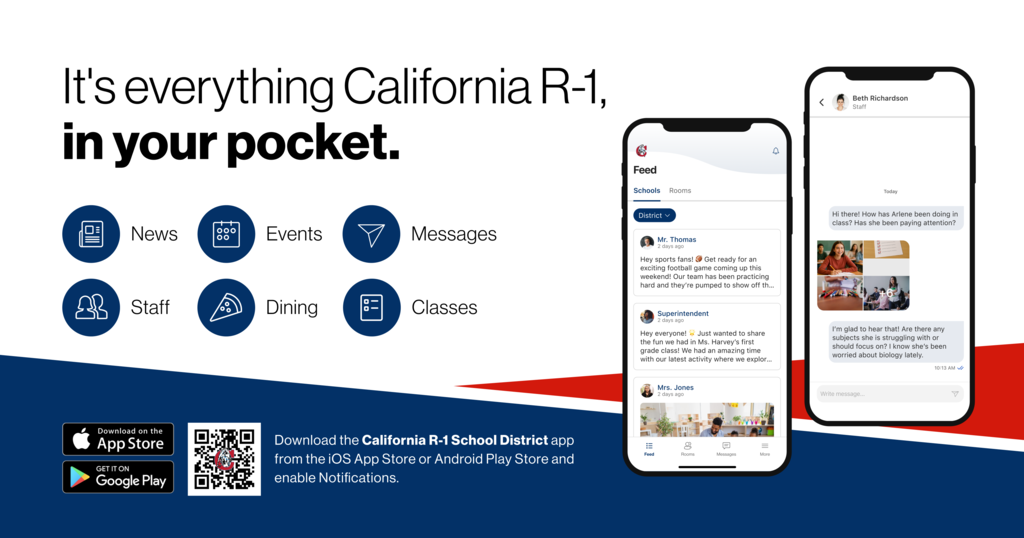
When you download the California R1 app, you’re just a few clicks away from everything you need—no extra downloads required!
Inside the California R1 app, you’ll also have access to:
✨ Infinite Campus (found in the “More” section)
✨ KID Account (available on the Elementary tab- "More" section)
✨ Final Forms (available on the MS and HS tab- "More" section)
That means no separate apps, no confusion—just one easy, all-in-one hub for families!
From the school website 🌐 to the lunch menu 🍎 to messaging your child’s teachers and coaches 📬—it’s all right there in one place.
One app. Everything you need. Simple, easy, and built for our California R1 families 💙
📣 Don’t forget to turn ON notifications in the app so you never miss important updates!
Please follow the steps below:
📱 In the school app:
• Go to More
• Select the gear icon (Settings)
• Tap Notification Preferences
• Make sure Message notifications are enabled
📲 On your phone:
🍎 iPhone:
Settings → School App → Notifications → Allow Notifications
🤖 Android:
Settings → Notifications → App Notifications → School App → Turn On Notifications
When you download the California R1 app, you’re just a few clicks away from everything you need—no extra downloads required!
Inside the California R1 app, you’ll also have access to:
✨ Infinite Campus (found in the “More” section)
✨ KID Account (available on the Elementary tab- "More" section)
✨ Final Forms (available on the MS and HS tab- "More" section)
That means no separate apps, no confusion—just one easy, all-in-one hub for families!
From the school website 🌐 to the lunch menu 🍎 to messaging your child’s teachers and coaches 📬—it’s all right there in one place.
One app. Everything you need. Simple, easy, and built for our California R1 families 💙
📣 Don’t forget to turn ON notifications in the app so you never miss important updates!
Please follow the steps below:
📱 In the school app:
• Go to More
• Select the gear icon (Settings)
• Tap Notification Preferences
• Make sure Message notifications are enabled
📲 On your phone:
🍎 iPhone:
Settings → School App → Notifications → Allow Notifications
🤖 Android:
Settings → Notifications → App Notifications → School App → Turn On Notifications